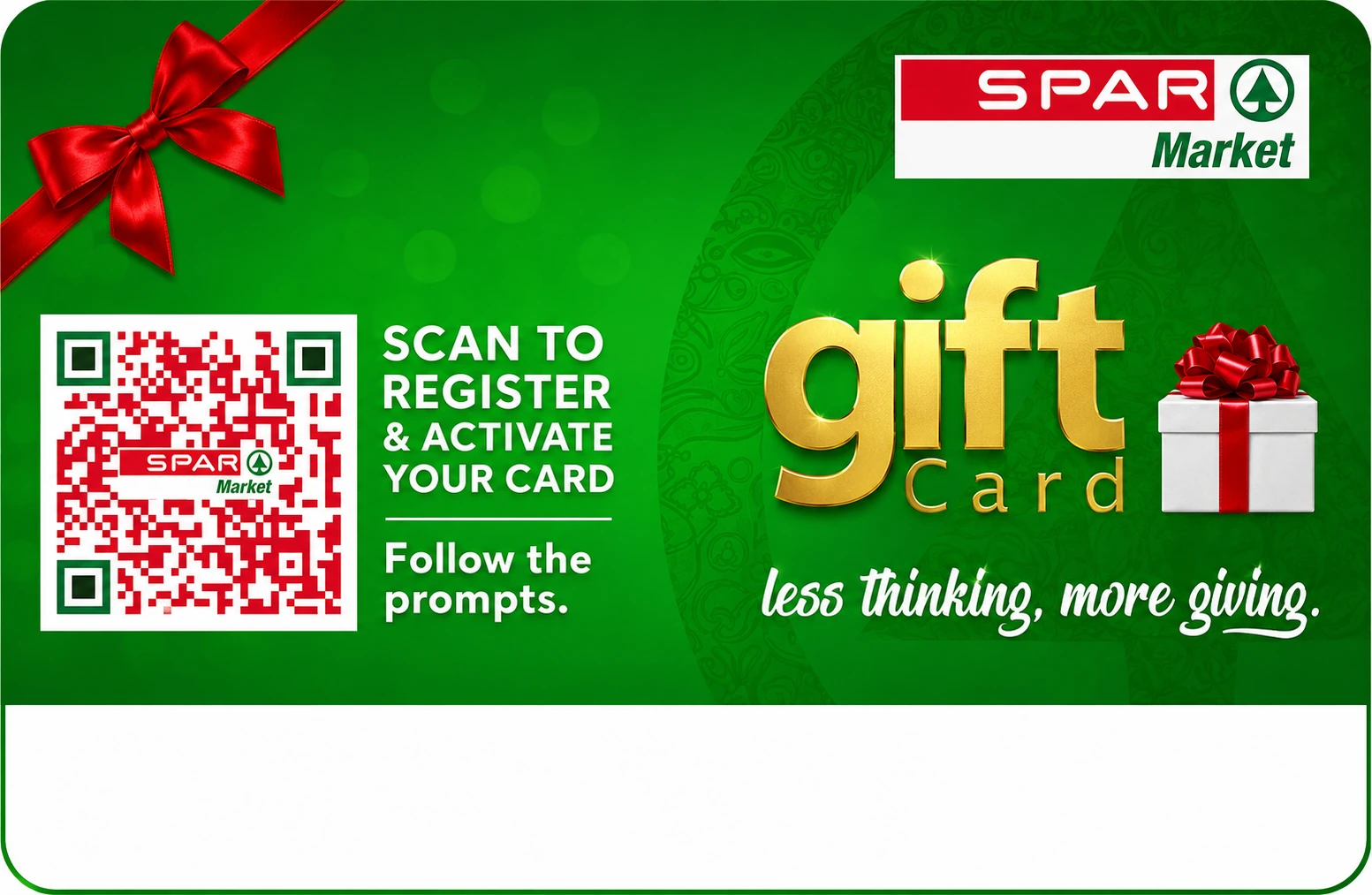
Your card will not work at the till until registration and activation are complete. The process is quick, mobile-friendly, and your balance stays safe.
Registration links your card to your contact details. Activation unlocks it and generates your checkout PIN.
Your gift card is linked to your email and phone number so your balance is easier to protect.
Scan the QR Code or Barcode at the back of your card and follow the instructions to complete your registration.
After activation, your unique 6-digit PIN is sent to both your registered email and phone number.
Choose one of the options above to view only the steps you need
Use this if you have not registered any SPAR Gift Card before.
Scan the QR Code or Barcode at the back of the card to add your card.
Enter your full name, email address, and phone number on the Gift Card Portal.
Choose "Same as purchaser" if you'll be using the card. If it's for someone else, enter their details.
Click โVerify OTP & Link Cardโ. The OTP is sent to your email and phone number. Enter the code to complete registration.
Open the activation link sent by email or SMS. Verify the activation OTP to unlock the card.
Your 6-digit PIN is generated automatically and sent to your email and phone number.
Use this if you have registered before and only want to add another SPAR Gift Card.
Enter the email and phone number used for your first registration. Your profile should be retrieved automatically.
Check that your name, email, and phone number are correct before adding another card.
Scan the QR Code or Barcode at the back of the card to add your card.
The OTP is sent to your registered email and phone number. Enter it to link the new card.
Click the activation link sent to you, verify the activation OTP, and wait for your new PIN.
Use this if registration is done but the card still needs activation.
Use the activation link sent to your email or phone after registration.
Scan the QR code or barcode at the back of your card.
A new OTP is sent to your registered email and phone. Enter it to complete activation.
The system generates your PIN automatically and sends it to your email and SMS.
Manage your Gift Card securely using the options below.
Protect your balance if your card or PIN has been compromised.
Forgot your PIN or want to change it?
Reset your Gift Card PIN securely after verifying your identity. Reset PINEnter your name, email address and phone number used at registration, to verify your identity and update your details.
Update details
1. Click "Block Card" button below.
2. Scan the QR code or barcode at the back of your card.
3. You will get an email with an OTP and a link when you click to block.
4. Click the link. The OTP is automatically inputted.
5. Click "Verify & Block".
6. You will get another email notification informing you of the card blocking.
1. Click "Unblock Card" button below.
2. Scan the QR code or barcode at the back of your card.
3. You will get an email with an OTP and a link when you click to unblock.
4. Click the link. The OTP is automatically inputted.
5. Click "Verify & Unblock".
6. You will get another email notification informing you of the card unblocking.
Can't complete registration online? Our team can assist by phone, WhatsApp, or in person at any SPAR store.